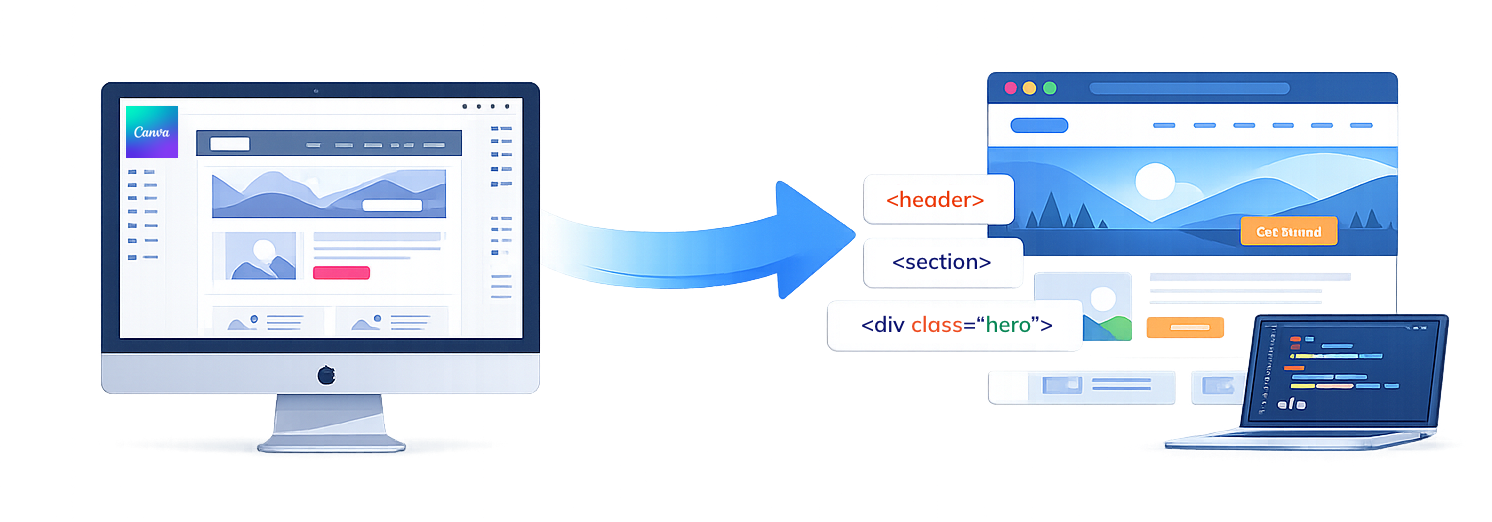
Get pixel-perfect Canva to HTML conversion with clean code, fast load speed, and responsive layouts. Built for SEO, scalability, and smooth performance across all devices.
Partner with XHTMLTEAM to turn your Canva designs into production-ready websites. We focus on clean structure, fast performance, and scalable front-end code that works seamlessly across all modern devices and browsers.
Design-to-Code Accuracy, Pixel Locked
We convert Canva visuals into precise front-end layouts with tight spacing, exact typography, and consistent alignment—ensuring your live website mirrors the original design perfectly.
Smart Asset Optimization Workflow
Images, SVGs, and icons are optimized, compressed, and properly structured to reduce load time while maintaining visual quality across all devices and screen sizes.
Scalable UI Architecture
We build structured, reusable UI components that make your project easy to expand, update, or integrate into larger systems like SaaS platforms or enterprise apps.
Performance-First Frontend Build
Every page is developed with speed in mind—minified assets, efficient CSS, and optimized rendering ensure faster load times and better user engagement.
Accessibility-Ready Interfaces
We follow modern accessibility practices including proper tags, contrast handling, and keyboard navigation support to make your website usable for a wider audience.
Conversion-Focused Layout Implementation
We maintain visual hierarchy, CTA placement, and user flow from Canva designs to ensure your website not only looks good but drives clicks and conversions.
Design Consistency Across Pages
We ensure uniform spacing, typography, colors, and components across all pages, creating a cohesive brand experience from homepage to inner pages.
Future-Ready Code Structure
Our code is written to support future integrations—whether you plan to connect APIs, upgrade to frameworks, or scale into a dynamic web application.
Seamless Developer Handoff
We deliver well-commented, organized files that any developer can easily understand, modify, or extend—making collaboration smooth for agencies and teams.
Convert Canva Designs to Responsive HTML Websites (No Automated Tools)
Most online Canva to HTML converters generate messy, non-editable code that fails in real-world projects. At XHTMLTEAM, we manually convert Canva designs into clean, responsive HTML and CSS, ensuring pixel-perfect accuracy and production-ready structure. Our approach focuses on scalability, performance, and maintainability—making your website easy to update and integrate with frameworks like WordPress or React. If you need reliable results beyond basic export tools, expert development makes a measurable difference.
Why Professional Canva to HTML Conversion Outperforms Online Converters
Automated Canva to HTML tools may seem fast, but they often produce bloated code, poor responsiveness, and limited customization. Our expert-driven process ensures optimized HTML structure, clean CSS, and better loading performance. We refine layouts, fix inconsistencies, and enhance usability for real users—not just visual output. This results in faster websites, improved SEO, and long-term flexibility, which automated tools simply cannot deliver.
AI-Assisted Canva to HTML Development for Faster Delivery
At XHTMLTEAM, we don’t rely on AI-generated code that often produces messy and unusable output. Instead, we use AI as a smart assistant to speed up workflows like layout analysis, spacing consistency, and asset extraction—while our developers write clean, production-ready HTML and CSS manually. This ensures both speed and quality without compromising code standards.
This hybrid approach allows us to deliver faster turnaround times while maintaining full control over code quality, responsiveness, and performance. You get the benefit of modern AI efficiency combined with expert-level front-end development.
What you get:
Faster delivery without auto-generated code issues
Clean, human-written HTML & CSS
AI-assisted accuracy in layout conversion
Production-ready, scalable code
👉 Get expert Canva to HTML conversion—faster, cleaner, and built for real projects.
SEO-Friendly Canva to HTML Code That Ranks Better
Most Canva export tools and online converters ignore SEO structure, resulting in poor rankings and limited visibility. XHTMLTEAM builds your HTML with proper semantic structure, optimized headings, clean markup, and performance-focused coding that search engines prefer.
We don’t just convert designs—we prepare your website for search engine success. From lightweight code to structured content hierarchy, every element is crafted to improve indexing, speed, and user experience.
SEO benefits include:
Semantic HTML5 markup for better indexing
Optimized heading structure (H1–H6)
Faster load speed for improved rankings
Clean code with no unnecessary bloat
👉 Turn your Canva design into an SEO-optimized website that attracts real traffic.
Canva Exported HTML vs XHTMLTEAM’s Manual Code
Canva’s built-in export options and online tools generate basic layouts that may look acceptable but fail in real-world performance, responsiveness, and scalability. These outputs are often difficult to edit and unsuitable for professional websites.
XHTMLTEAM takes a manual coding approach, ensuring your Canva design is translated into clean, structured, and maintainable code. We focus on precision, flexibility, and performance—so your website works perfectly across devices and can grow with your needs.
Why manual coding wins::
No messy or auto-generated code
Pixel-perfect and fully responsive layout
Easy to edit and extend
Suitable for real-world development
👉 Skip unreliable converters—choose expert-crafted HTML that performs.
Canva to HTML Solutions for Growing Businesses
Whether you're a startup, agency, or established business, your website needs to scale as you grow. XHTMLTEAM builds Canva to HTML solutions that are structured, flexible, and ready for future expansion—whether it’s adding pages, integrating APIs, or upgrading to frameworks.
We ensure your website isn’t just visually accurate but also technically strong, making it easier to maintain, update, and evolve over time without starting from scratch.
Built for growth:
Scalable and modular code structure
Easy integration with CMS and frameworks
Future-ready front-end architecture
Ideal for agencies and long-term projects
👉 Build a website that grows with your business—not one that limits it.
Canva vs Figma: Which is Better for HTML Conversion?
Canva is great for quick designs and marketing visuals, but it lacks structured design systems needed for advanced web development. Figma, on the other hand, is built for UI/UX design with developer-friendly features like grids, components, and spacing systems.
At XHTMLTEAM, we work with both—but when converting Canva designs, we apply expert techniques to structure layouts properly for clean HTML output, ensuring results similar to high-end design tools like Figma.
Key differences:
Canva: Easy design, less structured for development
Figma: Developer-friendly, system-based design
XHTMLTEAM: Bridges the gap with expert coding
👉 Have a Canva design? We’ll convert it into professional-grade HTML—no limitations.
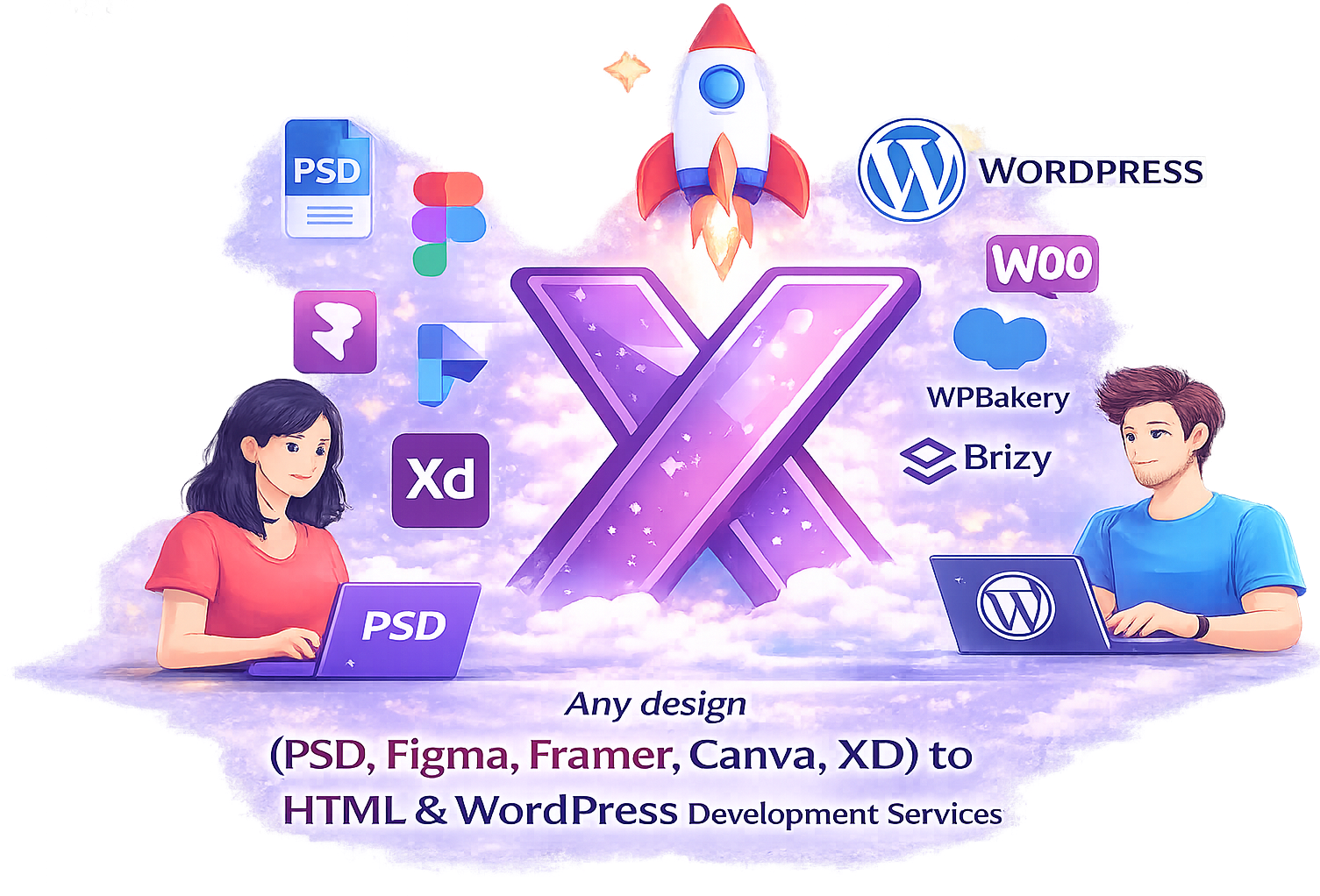
We are also experts in converting designs from a wide range of tools into clean, responsive, and high-quality HTML websites. Our team works with various design formats and platforms to deliver production-ready front-end code.
Canva to HTML Conversion Services for Modern Responsive Websites
Turn your Canva designs into fully functional, responsive HTML websites with XHTMLTEAM’s advanced development workflow. We combine AI-assisted processes with expert front-end coding to convert Canva layouts into clean, scalable HTML5, CSS3, and performance-optimized code ready for real-world deployment.
Our team carefully interprets every visual element from Canva — including layouts, fonts, colors, and interactive components — and transforms them into responsive, cross-browser compatible websites. Using modern frameworks like Tailwind CSS, lightweight CSS architectures, and optimized JavaScript, we ensure your Canva designs are not just visually accurate but also fast, SEO-friendly, and production-ready.
Whether you need Canva to HTML conversion, Canva to WordPress development, or Canva designs converted into modern front-end frameworks, XHTMLTEAM delivers pixel-perfect results with clean code and seamless user experience across all devices.
Our Most Popular Canva to HTML Development Services
AAI-powered workflows combined with expert front-end development to deliver high-performance, scalable websites.
💡 We help clients convert design files like PSD, Figma, Canva, Sketch, and XD into clean, high-quality HTML code. Our developers manually code every project to ensure pixel-perfect accuracy, responsive layouts, and cross-browser compatibility. Unlike automated converters, we focus on performance, clean structure, and scalable code that’s easy to maintain. We also optimize every HTML build for speed, accessibility, and SEO, delivering production-ready websites that work seamlessly across all devices and platforms.
Testimonials and Success Stories
Client experiences showcasing how XHTMLTEAM’s expert web development services deliver success, growth, and lasting business transformation.
Good code, quick service, very professional. Very responsive to communications with clear questions and follow up.
A high-quality service provider that I have used for a variety of projects, both straightforward and complex: they delivered every time.
David Flippone
President RallyApp
As a designer this service has saved me hours of time.
The quality is exceptional, and the service is unmatched anywhere else.
I would highly recommend XHTMLTEAM.COM.
Tommy Bailey
Collision Media
THANK YOU SO MUCH!!!!
I really appreciate it! I know working from mockups made by the client is difficult work. Thank you so much for doing this and for being so fast. You really saved me yet again!
Stuart Green
Level 9 Digital
I love working with XHTMLTEAM. We have been working for over 2 years and they keep getting better! Responsible, honest, trustworthy and reliable are just a few words to explain these guys!
Alphonso Morris
Lead Product Designer at Netflix
Thank you so much for this, we are very impressed with the work you've done, and shall be coming back to you again for this service.
Mark Payne
Reading Room
Thanks very much, you guys do excellent work. I will be using you for all my projects moving forward.
Find answers to common questions about XHTMLTEAM’s Adobe XD to HTML services, including conversion process, responsiveness, and quality assurance.
How to convert Canva design to HTML?
You can convert a Canva design to HTML by manually coding the layout using HTML, CSS, and JavaScript, or by hiring experts who ensure pixel-perfect, responsive, and SEO-friendly results.
Can Canva designs be converted into a website?
Yes, Canva designs can be transformed into fully functional websites using front-end technologies like HTML5, CSS3, and modern frameworks for responsiveness and performance.
Is Canva to HTML conversion possible?
Yes, Canva designs can be accurately converted into clean HTML code, ensuring the layout, colors, and typography match the original design.
How much does Canva to HTML conversion cost?
The cost depends on design complexity, number of pages, and features. Simple pages cost less, while interactive or dynamic designs require more development effort.
Can Canva designs be made responsive?
Yes, developers convert Canva layouts into fully responsive HTML using CSS techniques like Flexbox, Grid, and media queries for all screen sizes.
Do you provide SEO-friendly HTML from Canva?
Yes, the HTML code is structured with semantic tags, optimized headings, and clean markup to improve search engine visibility and rankings.
Can Canva designs be converted to WordPress?
Yes, Canva designs can be converted into WordPress websites using custom themes or page builders like Elementor, ensuring flexibility and easy content management.
How long does Canva to HTML conversion take?
Most projects take 1–5 days depending on complexity, number of pages, and required features like animations or integrations.
Will the HTML match my Canva design exactly?
Yes, professional developers ensure pixel-perfect conversion, maintaining design accuracy, spacing, typography, and visual consistency.
Can you add animations to Canva HTML websites?
Yes, animations, hover effects, and interactive elements can be added using CSS and JavaScript to enhance user experience.
What technologies are used for Canva to HTML conversion?
Developers use HTML5, CSS3, JavaScript, Tailwind CSS, Bootstrap, and modern frameworks like React or Next.js for advanced projects.
Is Canva to HTML good for business websites?
Yes, converting Canva designs into HTML creates fast, responsive, and professional websites suitable for business, landing pages, and marketing campaigns.
Start Your Project Today
Share your requirements and get a quick response from our WordPress and frontend experts. We provide fast turnaround, clean code, and high-quality results.